Built for different jobs
Slack is designed around organisations. Everything assumes a workspace with admins, members who may come and go with their jobs, integrations with work tools, and a company paying per seat.
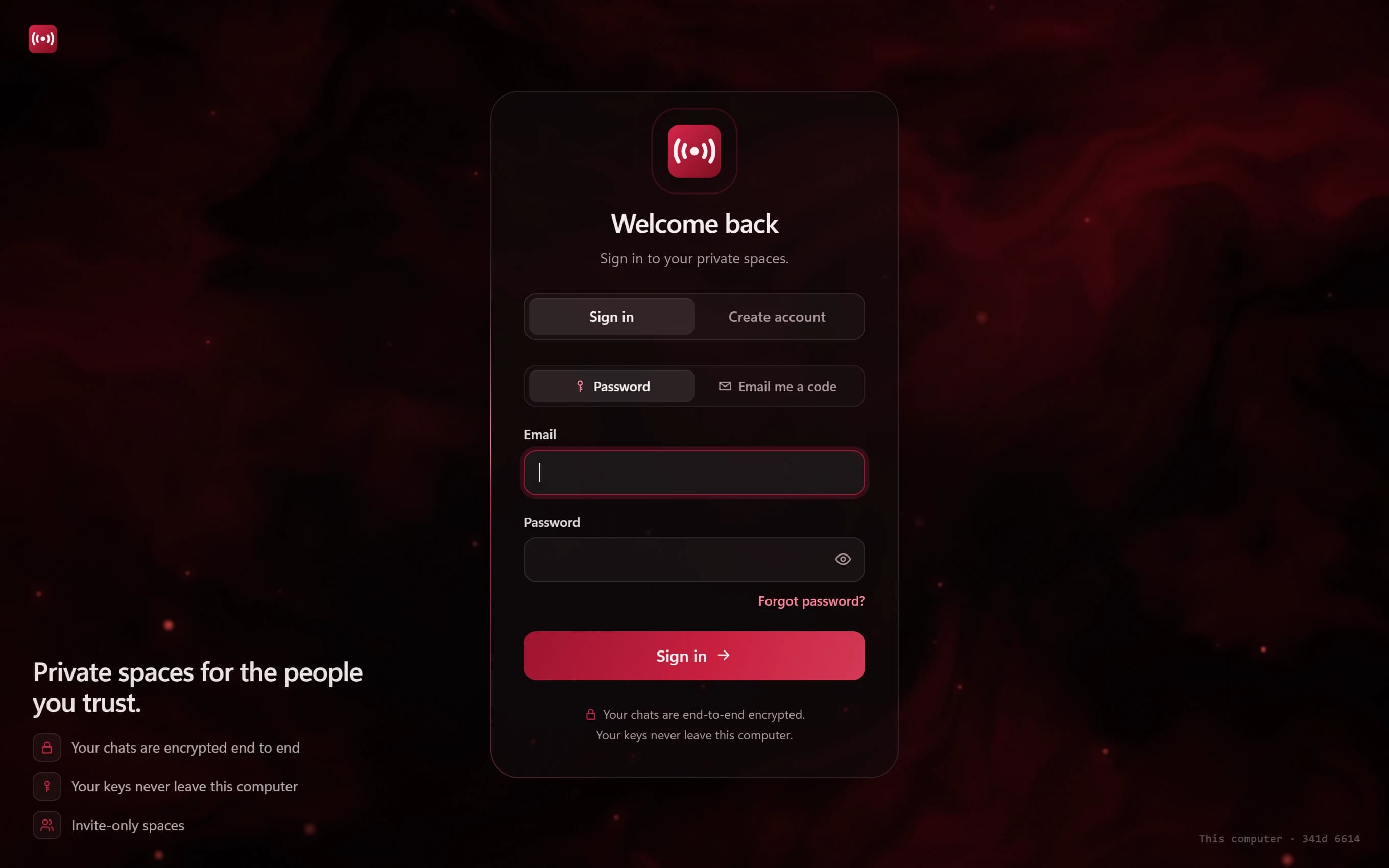
Minamo is designed around people. You add friends, start end-to-end encrypted chats, and create invite-only channels for the groups you belong to: the climbing club, the band, the book club, the people you game with.
Encryption: who can read what
Slack doesn't offer end-to-end encryption. Slack has said that end-to-end encryption would get in the way of features like search, and it offers Enterprise Key Management instead, which lets Enterprise Grid customers control the keys that encrypt their data.
In Minamo, direct messages and group chats are end-to-end encrypted: keys are made on your computer and never leave it, so Minamo can't read them. Channels are the exception, and we say so: they're encrypted at rest with keys Minamo holds, so moderators can act on reports, with every admin access logged.
Voice: huddles vs. voice rooms
Slack's huddles are quick audio calls that can add video and screen sharing. On the free plan they're limited to two people; paid plans allow up to 50.
Minamo's voice rooms are places you drop into, for up to 8 people, peer to peer, encrypted in transit and never recorded. Audio only today, with video coming.
The app on your computer
Slack's desktop app is built on Electron, which bundles a copy of the Chromium browser engine. Minamo is built with Tauri 2: a Rust core and the WebView2 engine Windows already has. Our own 0.1.0 Windows installer measures about 2.7 MB. More on the app.
Cost
Slack has a free plan with limits and charges per user for its paid plans, which adds up quickly for a club with a hundred members. Minamo is free, with no ads and no trackers.
Where each one is stronger
Where Slack is better
- Integrations, bots and workflows with the tools teams already use
- Search and threads that scale to large organisations
- Video and screen sharing in huddles
- Admin, compliance and enterprise key management for companies
- Apps for every platform, plus the web
Where Minamo is different
- End-to-end encrypted direct messages and group chats
- Free for groups of any size, with no ads or trackers
- Nothing public: invite-only channels with expiring invite codes
- Forum and voice rooms built into every channel
- A light desktop app with a Rust core
Which should you choose?
Choose Minamo if…
- You're running a club, community or friend group rather than a company
- You want private chats end-to-end encrypted
- You don't want to pay per member
- You're happy on Windows for now
Choose Slack if…
- You're a team or company that needs integrations and admin tools
- You need compliance features or enterprise key management
- You need video huddles and apps on every platform today
Questions
Is Slack end-to-end encrypted?
No. Slack doesn't offer end-to-end encryption. Enterprise Grid customers can use Enterprise Key Management to control the keys that encrypt their data, which is a different thing.
Can I use Minamo for work?
Minamo is designed for private groups rather than workplaces: there are no integrations, compliance tools or per-seat admin features. A small team can chat on it, but for a company, Slack is the better fit.
Does Minamo have threads?
Minamo has forum rooms, where each post keeps its own replies, so longer conversations stay organised. See how forum rooms work.
Is Minamo free?
Yes. There are no ads, no trackers and no per-member pricing.
Last reviewed: November 2026. Products change often. This comparison reflects our reading of each product's own documentation and reputable reporting as of the date above; check the providers' sites for the latest. Product names and trademarks belong to their owners. Minamo isn't affiliated with, endorsed by or sponsored by any of them.