Everything your group does, in one place
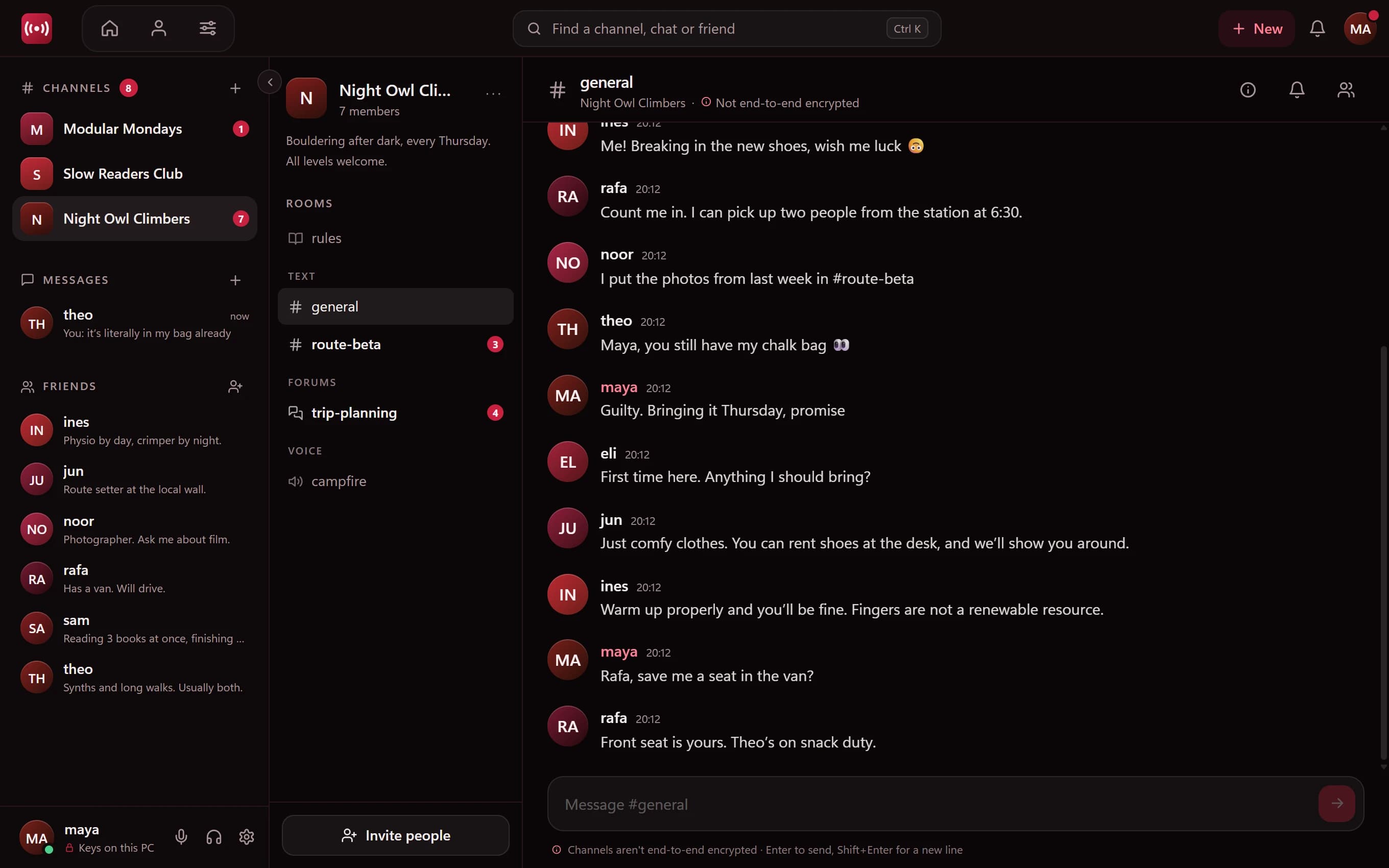
Most friend groups are spread across a messaging app, a group chat that's got too big, and a voice app for the evenings. Minamo puts it together: friends, direct messages, group chats and a private channel, in one app.
- Direct messages and small group chats, end-to-end encrypted
- A channel with text rooms for everyday chat
- A forum room for plans that shouldn't scroll away
- A voice room for up to 8 people to hang out
Private, and honest about how
Your direct messages and group chats are end-to-end encrypted: only the people in them can read them. Your channel is invite-only and never listed, searched or indexed, so nobody stumbles in.
Channels aren't end-to-end encrypted, though, and Minamo says so in the app. They're encrypted on our servers with keys we hold, so reports can be acted on. A good habit: keep the truly personal stuff in direct messages and group chats.
Hang out in voice
Drop into the voice room when you're free, and see who else is around. Voice goes directly between your computers, encrypted on the way, and it's never recorded. You stay connected while you check the other rooms.
No ads, no trackers
Minamo is free, with no ads, no third-party trackers and no Google services. Your group isn't the product.
Set it up in a few minutes
- 1
Download Minamo for Windows
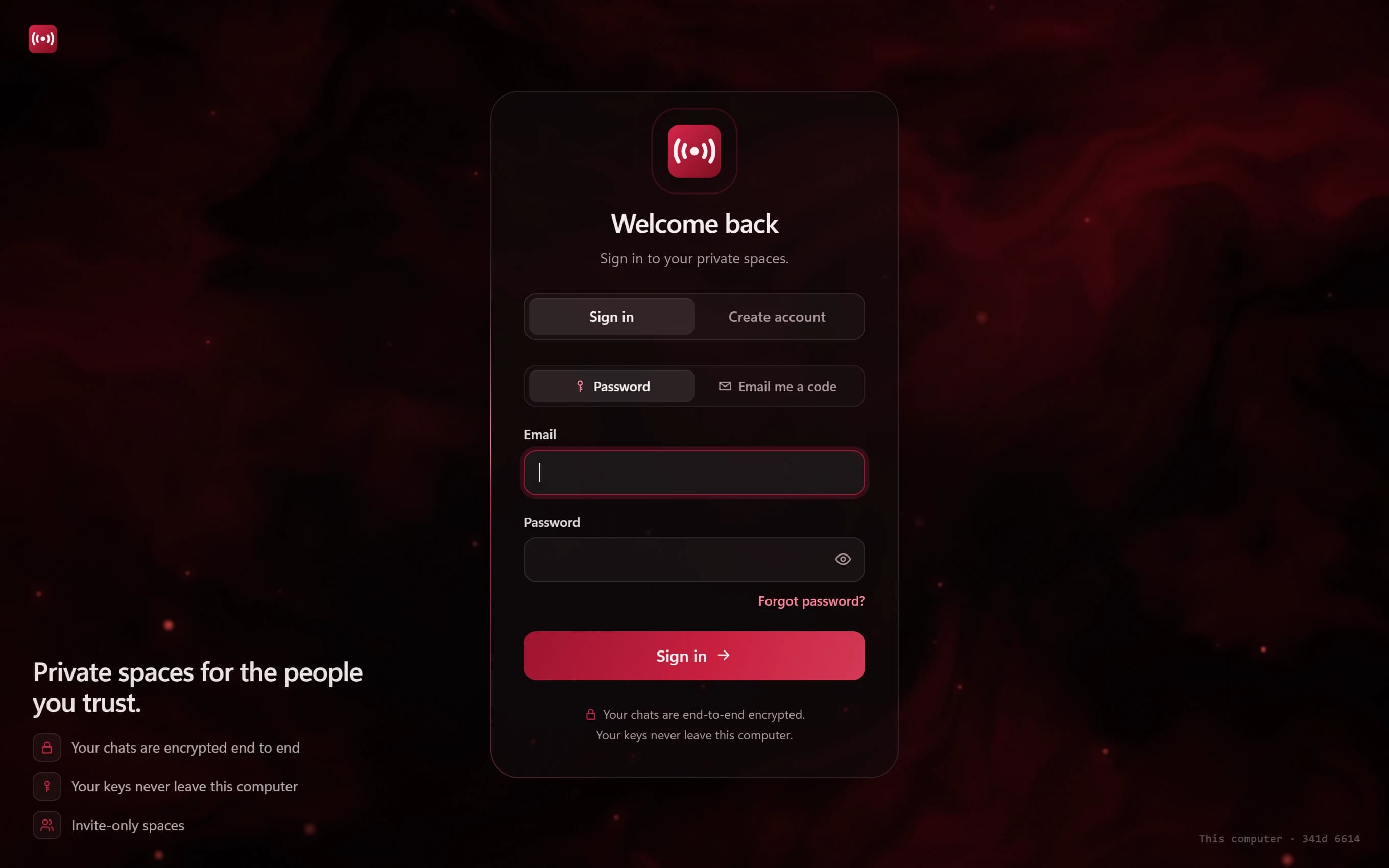
Create an account with your email address. Minamo is for adults, so everyone needs to be 18 or over.
- 2
Add your friends
Send friend requests. Only friends can start a direct chat, so your messages stay between people you know.
- 3
Create a channel
Add the rooms you want: text, a forum for plans, a rules room and a voice room.
- 4
Share an invite code
Pick how long it lasts (1 hour, 1 day or 7 days) and how many people can use it.
- 5
Save your recovery file
It keeps your keys safe if you ever change computers. Ask your friends to save theirs too.
Questions
Is Minamo free?
Yes. There are no ads, no trackers and no paid tiers to unlock the basics.
Can people outside our group find our channel?
No. Channels are never listed, searchable or indexed. The only way in is an invite code from someone inside.
My friends use Mac or phones. Can they join?
Not yet. Minamo runs on Windows 10 and 11 today, with Mac, Linux, iPhone and iPad on the way.
What's end-to-end encrypted and what isn't?
Direct messages and group chats are end-to-end encrypted. Channels are private and encrypted on Minamo's servers, but not end to end. See exactly what Minamo can see.