Why a recovery file exists
End-to-end encryption has one unavoidable trade-off. If only your devices hold the keys, then losing your device means losing the keys, and with them the ability to read your old messages.
A service could get around this by keeping a copy of your keys on its servers. Minamo doesn't, because that copy would be exactly what end-to-end encryption is meant to rule out. Instead, you keep the spare.
What it is, and how it's protected
The recovery file holds your keys, locked with a passphrase you choose. Without the passphrase, the file is useless, and Minamo never learns what the passphrase is.
That means you can keep the file wherever suits you: a USB stick in a drawer, your password manager, your own cloud storage. Whoever finds the file still can't open it.
How to save one
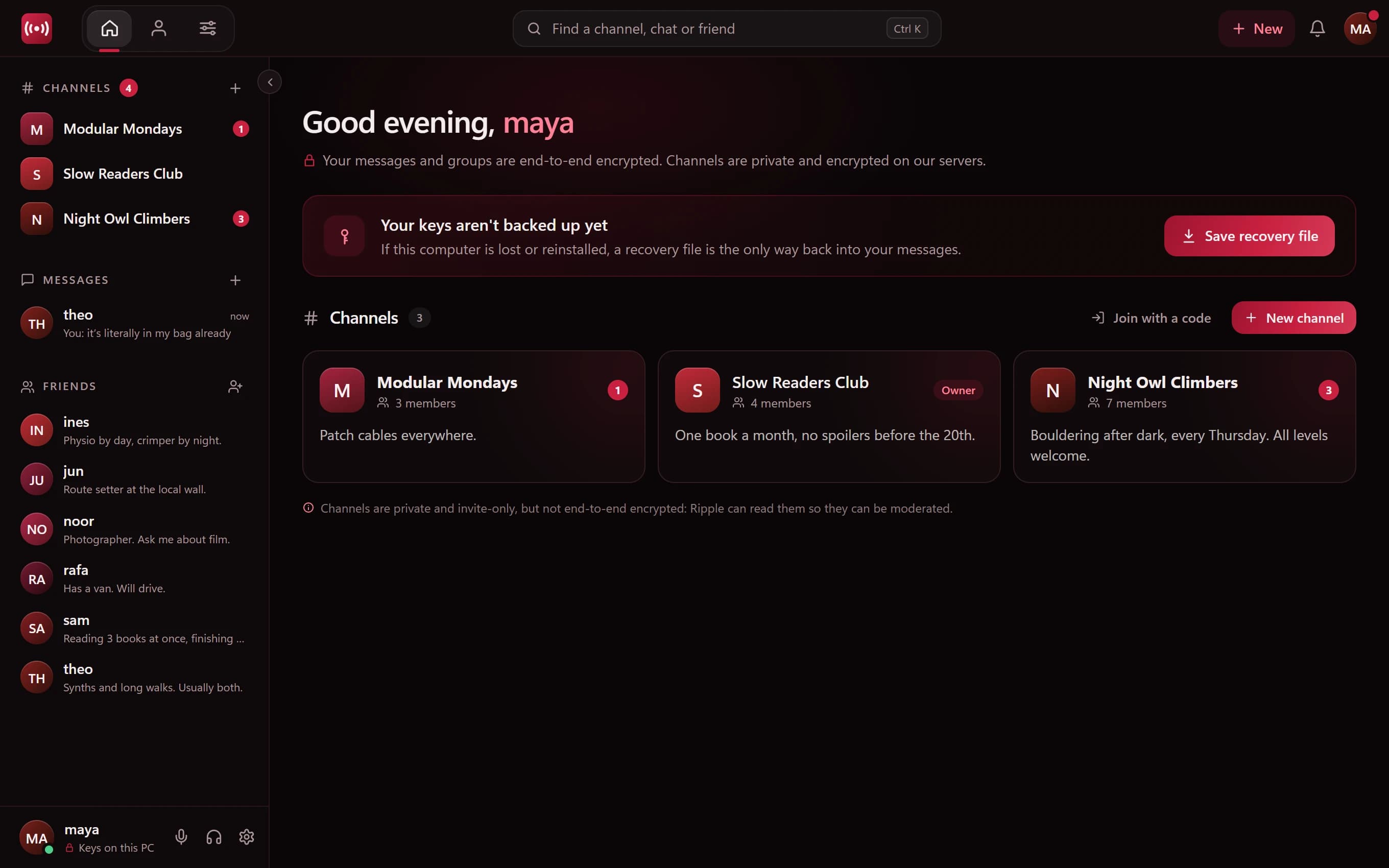
Minamo's home screen shows a reminder until you've saved a recovery file, and you'll also find it under Settings → Recovery. Choose a passphrase, save the file, and keep it somewhere other than the computer you're using. A backup on the same computer won't help if that computer is lost.
Moving to a new computer
Install Minamo on the new computer and sign in. Then use your recovery file and passphrase to bring your keys back, and your direct messages and group chats can be read again.
If you lose both
If your computer is gone and you never saved a recovery file, or you've forgotten the passphrase, your old direct messages and group chats can't be decrypted. Not by you, and not by Minamo.
We know that's strict. It's also the honest consequence of encryption that nobody else can open, and we'd rather tell you now than surprise you later.
Choosing a good passphrase
Your passphrase is the only thing protecting the file, so make it a good one:
- Use several random words rather than one clever word
- Don't reuse your Minamo password or any other password
- Store it in a password manager, or write it down and keep it somewhere safe
Questions
Can Minamo restore my keys if I forget my passphrase?
No. Minamo never has your passphrase or your keys, so it can't unlock your recovery file or decrypt your old messages for you.
Where should I keep my recovery file?
Anywhere that isn't only the computer you use Minamo on: a USB stick, a password manager or your own cloud storage. The file is locked with your passphrase, so it's safe to store away from home.
Is the recovery file the same as my password?
No. Your password, or an emailed code, signs you in to your account. The recovery file and its passphrase restore your keys, which decrypt your messages. They do different jobs, and you should keep both safe.
What happens if I lose my computer without a recovery file?
Your old direct messages and group chats can't be recovered, by you or by Minamo.