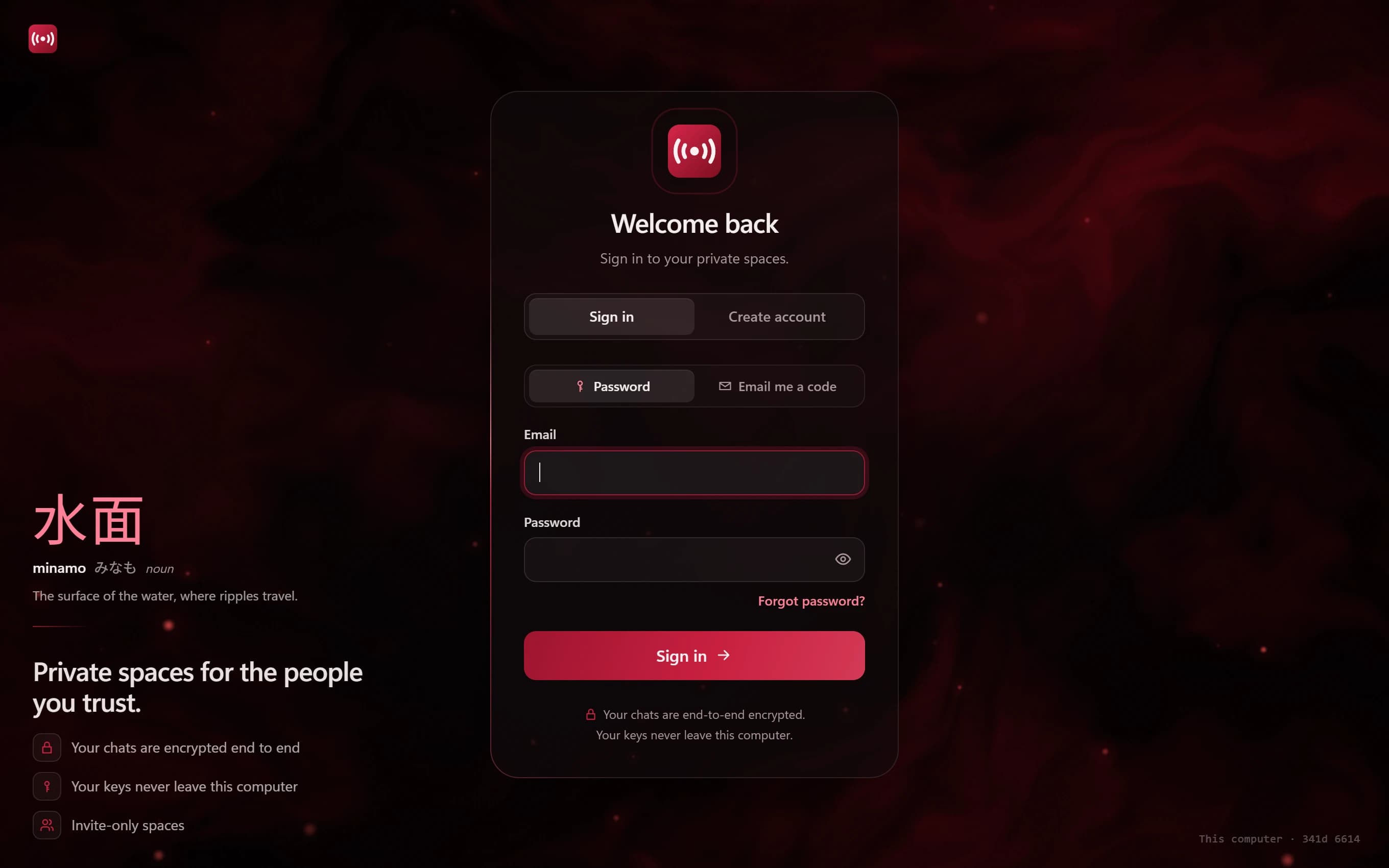
Two ways to sign in
You can sign in to Minamo with your email address and password, or choose "Email me a code" and sign in with a one-time code sent to your inbox. The code option is handy if you'd rather not type a password on a computer you don't use often.
Either way, you sign up with an email address, not a phone number.
A verified email
Minamo asks you to verify your email address, so that sign-in codes and account emails reach you and nobody can sign up with an address that isn't theirs.
Add two-step sign-in
Two-step sign-in adds a second check. Once it's on, signing in needs your password or emailed code plus a short code from an authenticator app on your phone.
Minamo uses standard time-based codes (TOTP), so it works with any authenticator app that supports them. Even if someone learned your password, they couldn't get in without the code from your phone.
Recovery codes
When you turn on two-step sign-in, Minamo gives you recovery codes. They let you into your account if your phone is lost, broken or out of battery. Keep them somewhere safe, like a password manager, and away from your phone.
Account security and message security
Two-step sign-in protects your account: your friends, your channels and your settings. Your recovery file protects your encryption keys, which unlock your direct messages and group chats.
They do different jobs, and we recommend setting up both. It takes a few minutes, once.
Questions
Which authenticator apps work with Minamo?
Any authenticator app that supports standard time-based one-time codes (TOTP).
What if I lose the phone with my authenticator app?
Use one of the recovery codes Minamo gave you when you turned on two-step sign-in. That's why it's worth storing them somewhere other than your phone.
Can I sign in to Minamo without a password?
Yes. Choose "Email me a code" on the sign-in screen and Minamo will email you a one-time code instead.
Does Minamo need my phone number?
No. Minamo accounts use an email address.