One bell for everything
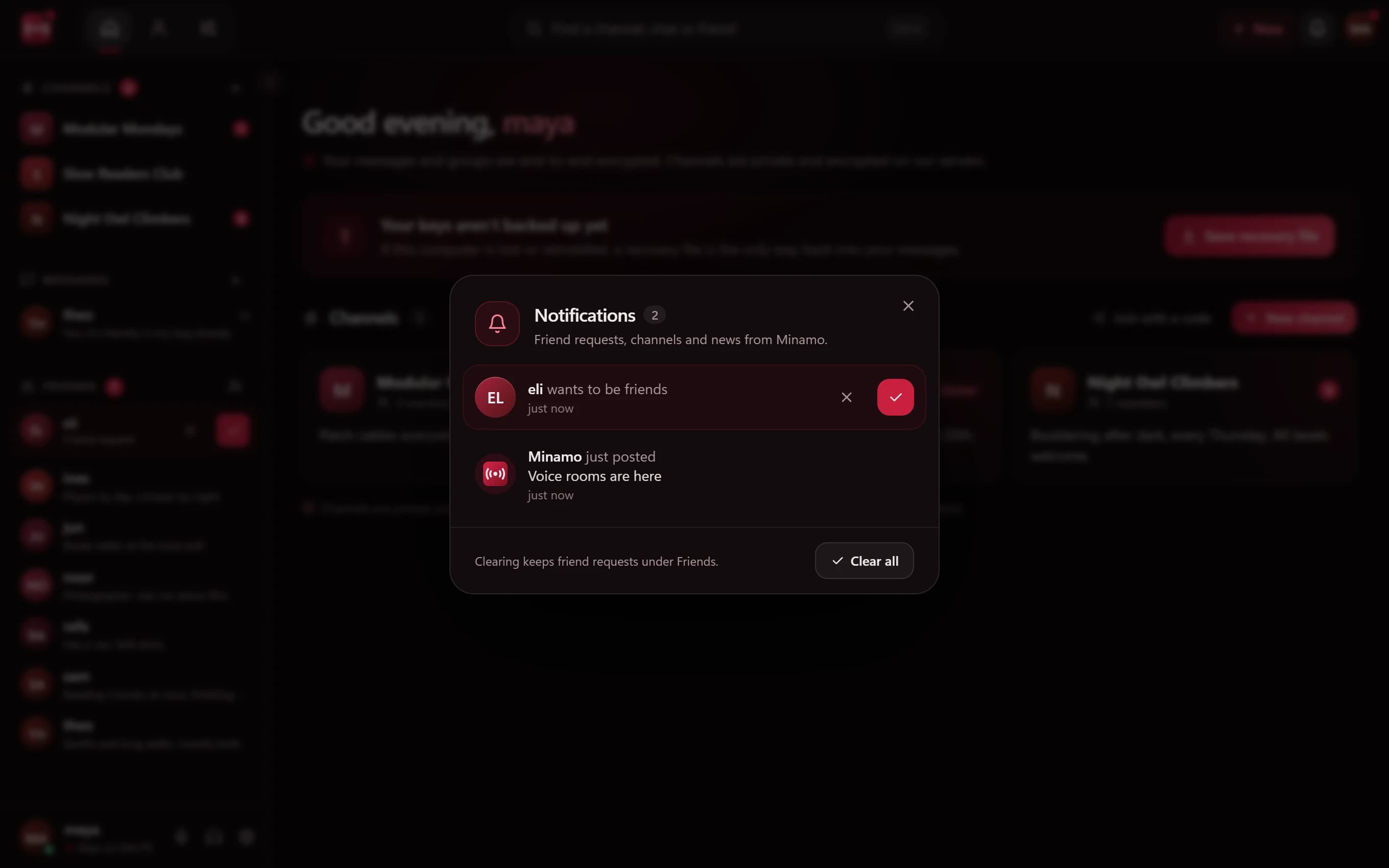
Everything that needs your attention, from friend requests and channel invites to news about the app, arrives in a single notifications popup. You can accept a friend request right there, and clear the lot when you're done.
Nothing is buried in a separate inbox or a settings page you'll never open.
Mute anything
Sometimes a group is buzzing and you need to focus. Mute a single chat, a person or an entire channel, and Minamo stops nudging you about it until you're ready.
Your mute list never leaves your computer
Who you mute can say a lot: the friend who posts too much, the channel you've drifted from. That's nobody's business but yours.
So Minamo keeps your mute list on your computer. The server never learns who or what you've muted, and the people you mute can't find out from us.
Windows notifications that don't give anything away
Desktop notifications pop up on your screen, which might be shared, projected or glanced at by someone nearby. Minamo's Windows notifications never show what was written. They tell you something arrived, and the message stays inside the app.
News from the Minamo team
When the app changes, the Minamo team posts news inside the app, in the same notifications popup. You don't need to follow us anywhere to know what's new.
Questions
Does Minamo know who I've muted?
No. Your mute list is kept on your computer, so the server never learns who or what you've muted.
Why don't Windows notifications show the message?
So that nothing you've been sent appears on screen where someone else might see it. The notification tells you something arrived; you read it in Minamo.
Can I mute a whole channel?
Yes. You can mute a single chat, a person or a whole channel.
What shows up in Minamo's notifications?
Friend requests, channel invites and news from the Minamo team, all in one popup you can clear in one go.